
Organizing workplace information seems simple until documents start multiplying across projects, teams, and communication channels.
A file might belong to multiple initiatives. A meeting note may later become part of a project plan. A process document could be relevant to operations, onboarding, and training at the same time.
Many productivity tools offer several ways to organize information, including folders, tags, links, and databases. The challenge is that these tools solve different problems. Using the wrong one often creates unnecessary complexity.
Instead of asking which organizational method is best, a better question is:
What kind of information are you trying to manage?
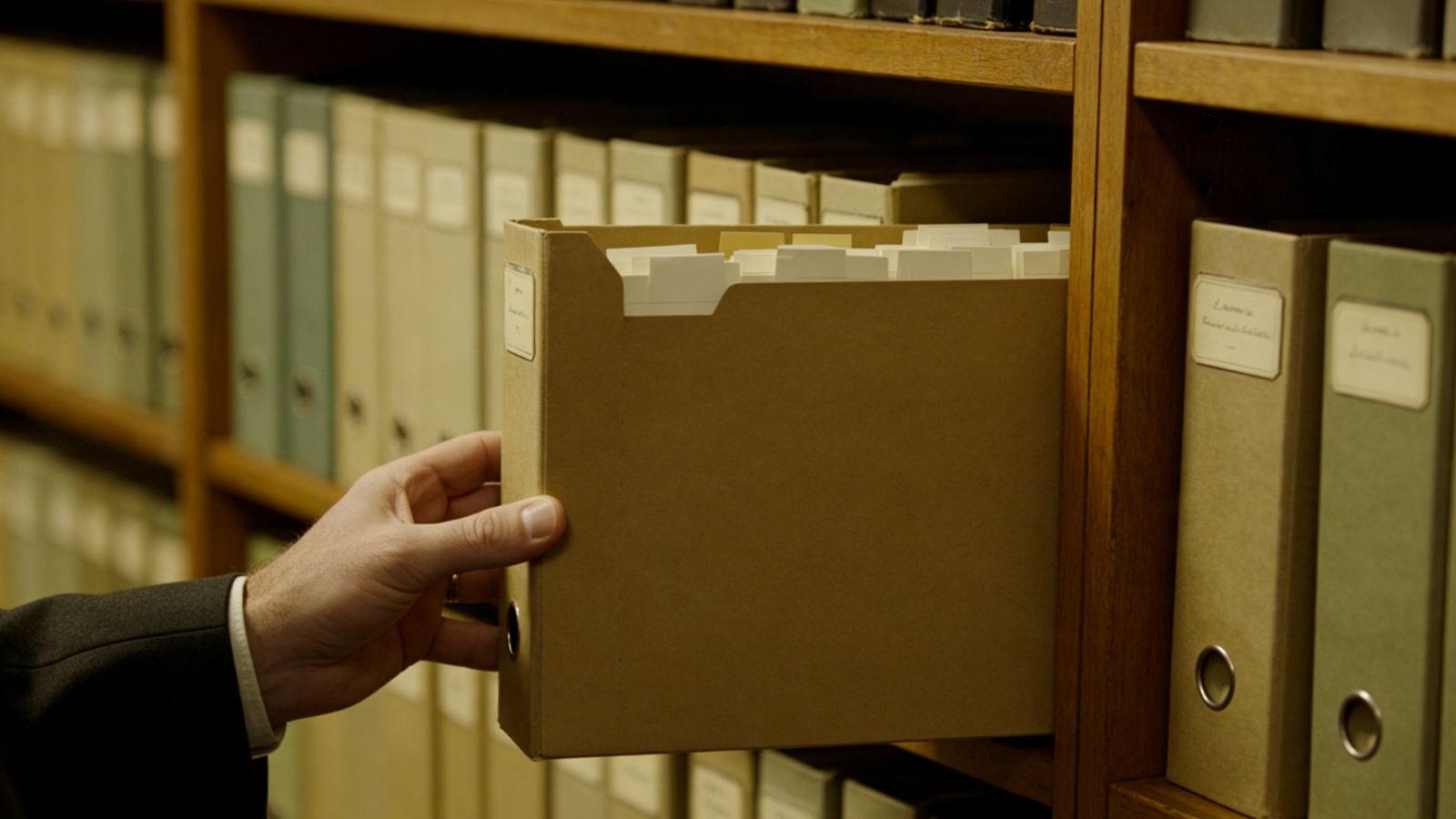
Folders work best when ownership is obvious and information belongs in one location.
Examples include:
Legal documents
Financial records
Department policies
Contract files
Archived project materials
Folders create boundaries and make permissions easier to manage. Everyone knows where the official version of a document lives.
However, folders become less effective when information overlaps.
A document related to several projects can be difficult to place inside a single hierarchy. Deep folder structures can also make navigation more complicated than necessary.
If people constantly ask where a document is stored, the folder system may be doing more harm than good.

Tags allow a single document to appear in multiple categories without creating duplicates.
They are particularly useful for:
Status tracking
Temporary categorization
Client-based organization
Project phases
Short-term filtering
For example, a note can be tagged as both "research" and "marketing" while remaining in its original location.
The biggest challenge with tags is consistency.
Without clear guidelines, teams often create similar tags that gradually become difficult to manage. Over time, searching for information becomes less predictable.
A small, well-defined tagging system is usually more effective than an extensive collection of labels.
Links help explain relationships between documents.
Instead of organizing information into categories, links answer questions such as:
Which project is this document related to?
Which decision influenced this change?
Which meeting produced this requirement?
Which document contains additional context?
This approach is particularly useful for:
Research notes
Technical documentation
Team wikis
Knowledge bases
Decision records
Links make information easier to explore because they preserve context.
However, links should be intentional.
Connecting every document to every other document often creates unnecessary complexity. The goal is to explain relationships, not build an endless network of references.

Databases are most useful when information contains consistent attributes that need to be sorted, filtered, or tracked.
Typical examples include:
Content calendars
Task boards
Product roadmaps
Bug trackers
Asset inventories
Unlike folders or notes, databases allow the same information to be viewed from different perspectives.
A project list, for example, can be displayed as a table, a calendar, or a task board without creating duplicate records.
However, databases also introduce more structure.
If every new entry requires multiple fields, statuses, and properties, maintaining the system can become time-consuming.
Not every document needs to become a database record.
If you're unsure which organizational method to use, start with these questions:
If your goal is to...Use...Store official files in one locationFoldersGroup related information across projectsTagsConnect ideas and provide contextLinksTrack work with structured propertiesDatabases
In many cases, combining these tools produces the best results.
For example:
A department may store policies inside folders.
Project notes may use links.
Active tasks may be tracked in a database.
Temporary labels may be managed with tags.
The tools complement one another rather than compete with one another.
One of the most common mistakes in workplace information management is introducing more structure than the work actually requires.
A small team rarely needs an elaborate knowledge architecture.
Before adding another folder, tag, or database property, ask a simple question:
Will this make information easier to find six months from now?
If the answer is unclear, additional organization may not be necessary.
The best information systems are not the most sophisticated ones.
They are the systems that people can understand, maintain, and use consistently over time.