
Modern knowledge work rarely moves in a straight line. An engineer may spend the morning investigating a database problem, switch to a client meeting before lunch, and return to a completely different technical issue in the afternoon. A writer might alternate between several assignments, while a consultant can move between multiple clients in a single day. Multitasking is often criticized, but serial project switching is simply part of many professional roles.
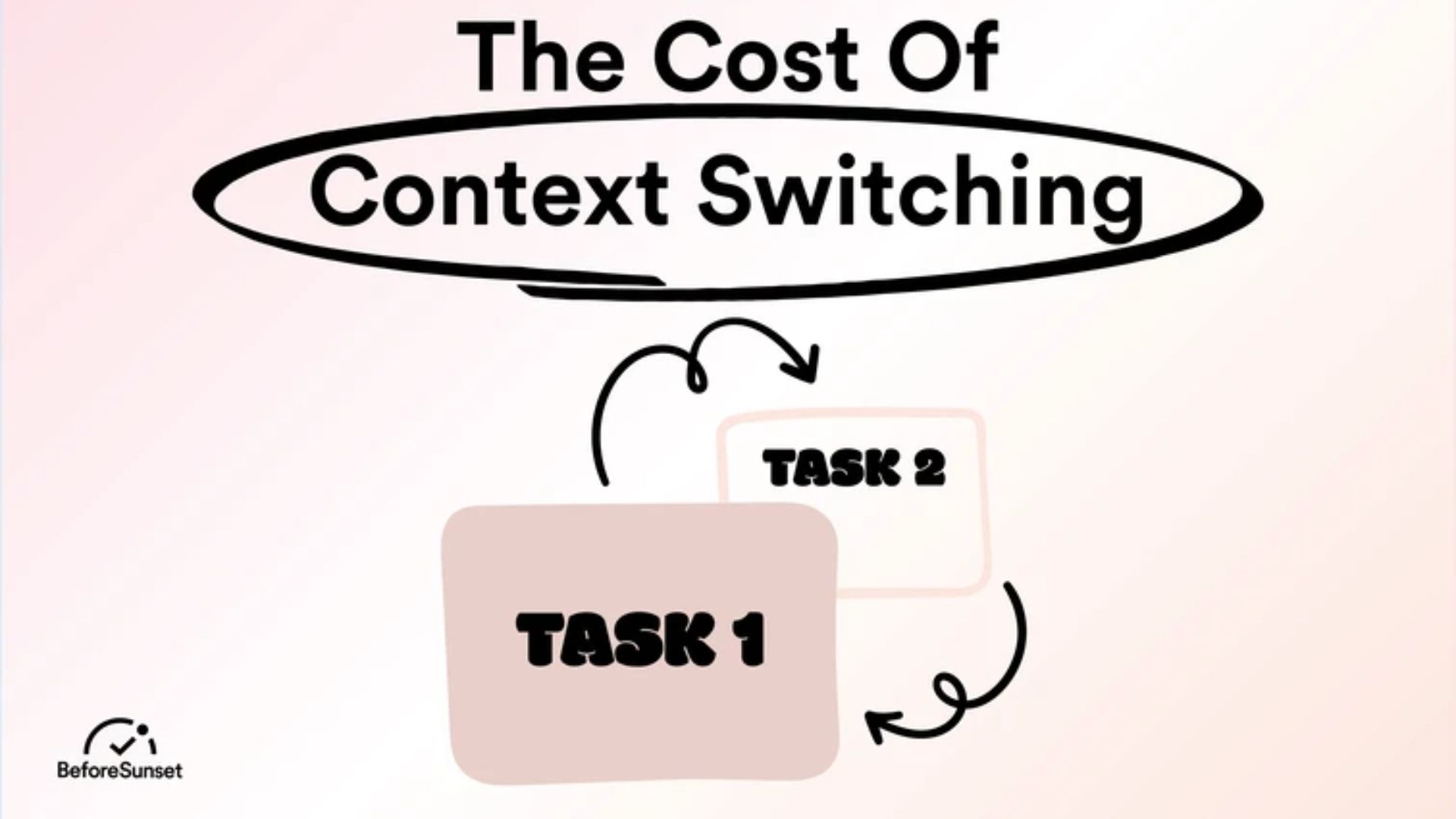
The problem is that attention does not always move as cleanly as the calendar does. When someone goes from designing a database schema to writing a client proposal, the new task may require a period of reorientation before the previous line of thought fully fades. Research on task switching has described a related phenomenon as "attention residue," where some attention remains associated with the previous task. The more complicated the work, the more information may need to be reconstructed before meaningful progress can resume.
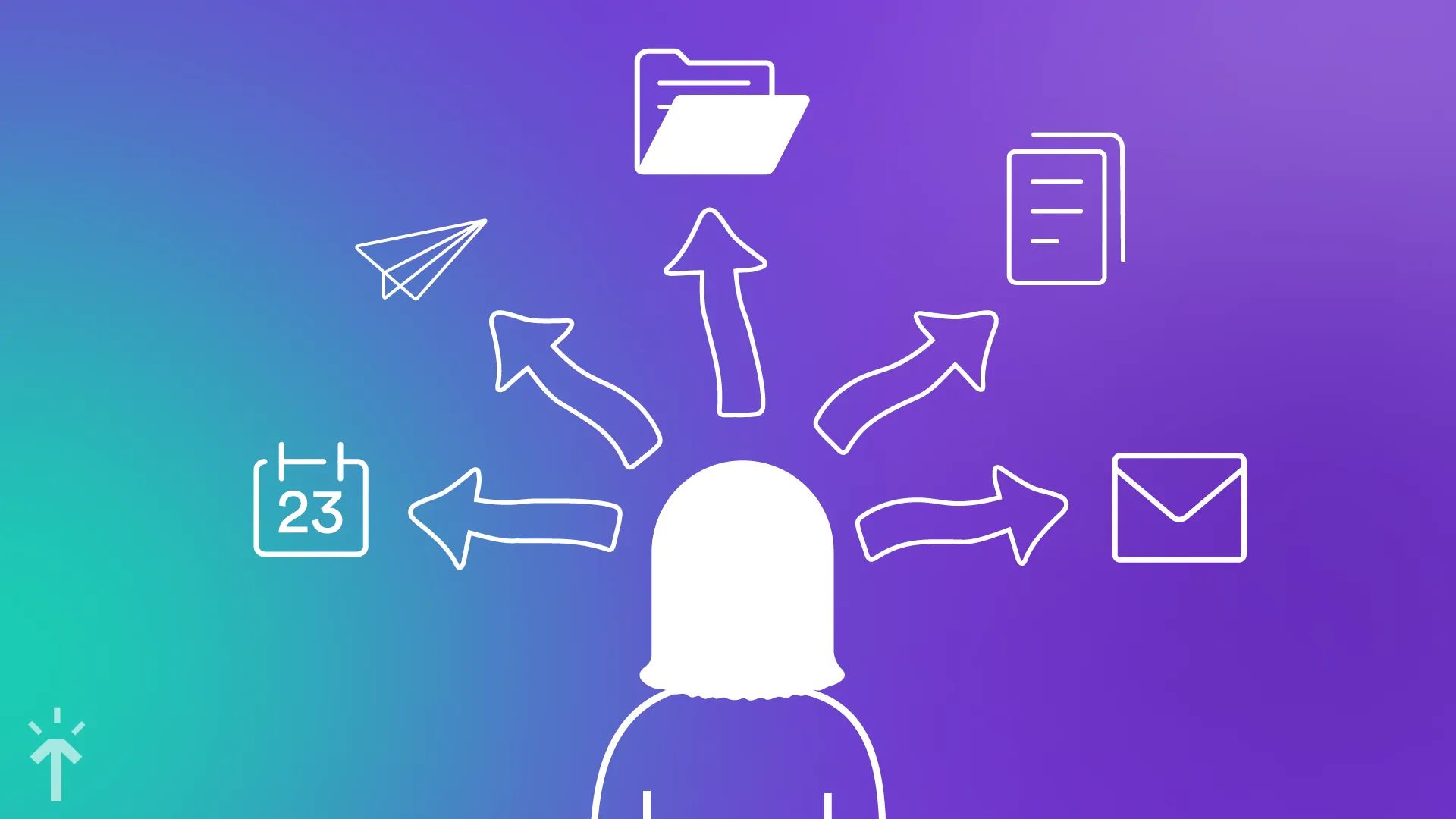
That is where a context recovery system can help. Instead of expecting memory to preserve every detail of a project, the system records the project's current state, the unresolved questions, and the next useful action. The goal is not to eliminate context switching. In many jobs, that is impossible. The goal is to make returning to a project less expensive.
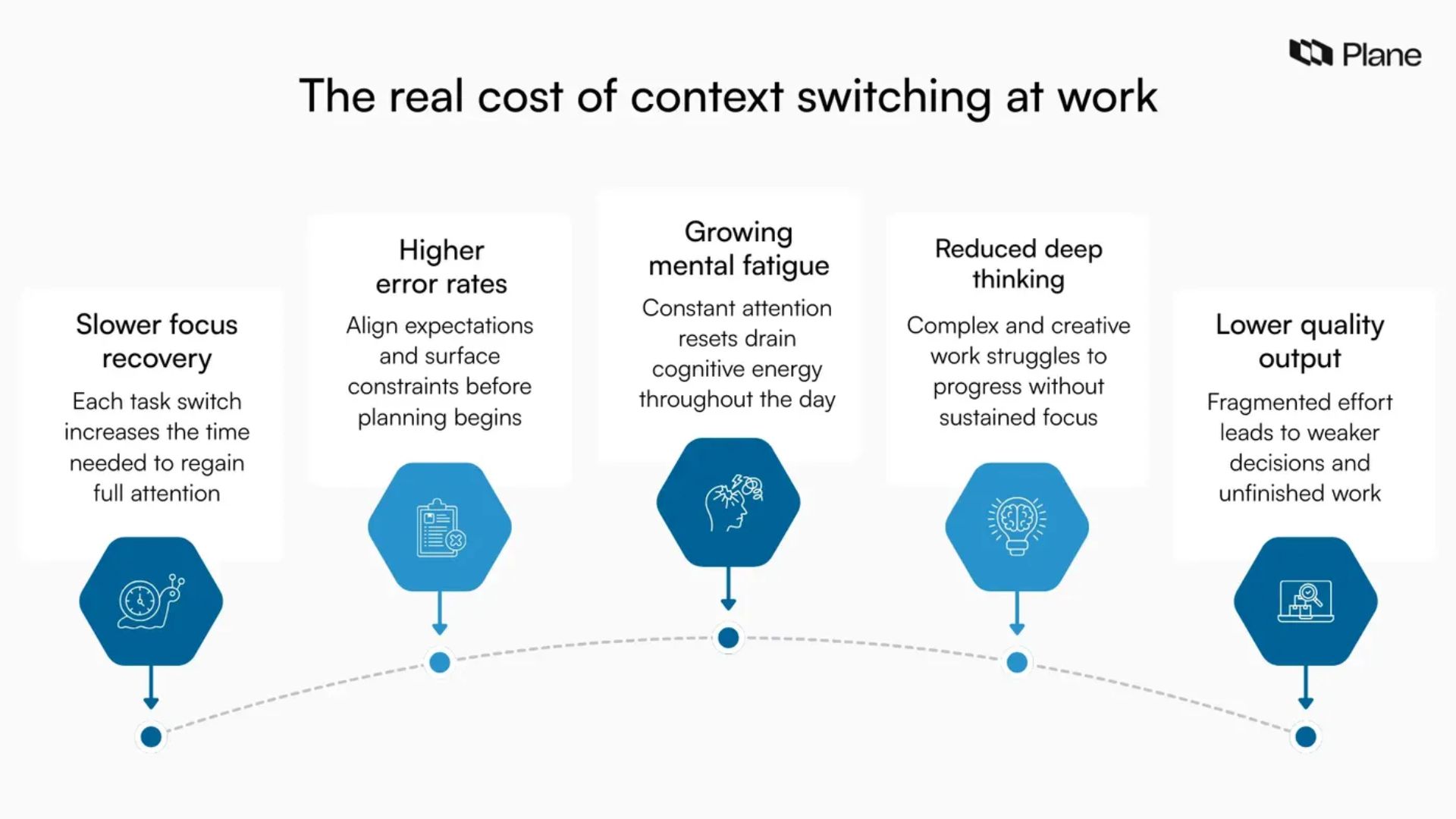
Working memory has limited capacity, and complex projects place a heavy demand on it. During a focused session, a person may be keeping track of decisions, constraints, assumptions, unfinished questions, files, references, and possible solutions at the same time. Much of that information is not written down because it feels obvious while the work is underway.
Then the calendar demands a switch.
After several hours—or a full day—away from a project, the details that seemed immediately available may no longer be easy to retrieve. Which version of the document was being edited? Why was one approach rejected? Which bug was being investigated? What was the next step?
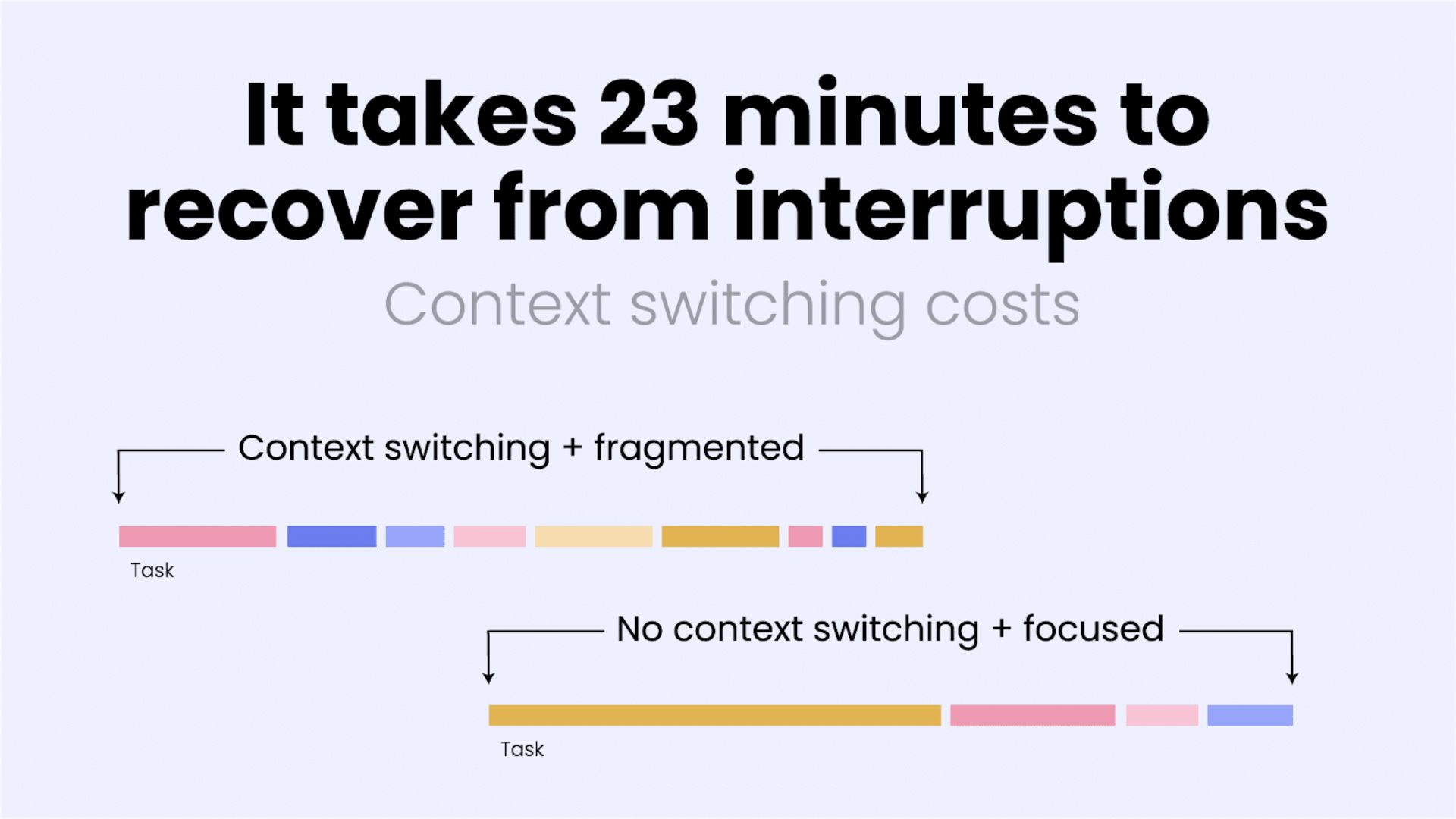
The time required to regain focus varies widely. A short interruption during routine work may have almost no noticeable effect, while a major interruption during complicated analytical work can require a much longer period of reorientation. The practical lesson is straightforward: the harder the project is to reconstruct, the more useful it becomes to leave behind a clear record of its current state.
Think of a context recovery system as an external memory aid for complex work. It does not need to document everything that happened during a session. In fact, excessive documentation defeats the purpose.
A useful recovery system preserves four things:
Current state: What part of the project is being worked on right now?
Important decisions: What has already been decided, and why?
Open loops: Which questions, problems, or uncertainties remain unresolved?
Next action: What specific step should happen when the project is reopened?
The fourth item is especially important. "Continue website project" is not a useful restart instruction. "Compare the three remaining mobile navigation layouts in the Figma file" is much better because it tells the future version of the worker exactly where to begin.
Each active project can have a small recovery note stored alongside its main files. It does not need to look like a formal report. A few lines may be enough.
Project: Client Website Redesign
Current objective: Finalize the mobile navigation structure.
Where I stopped: Comparing two navigation layouts.
Decision already made: Keep search in the top navigation.
Open question: Whether account settings should remain in the primary menu.
Next physical action: Review the three remaining mobile screenshots and choose the strongest layout.
Files needed: Figma → Mobile Navigation → Version 3.
This note does something a normal to-do list cannot. It preserves the reasoning around the task, not just the task itself.
A good test is simple: if the note were handed to the same person tomorrow morning, could they resume meaningful work without spending 20 minutes figuring out what they were doing?
If not, the note needs more context.
Project switching also creates a practical problem: the digital environment itself has to be rebuilt.
A technical project might require a code editor, terminal session, database client, documentation, browser tabs, monitoring tools, and several project-specific files. Closing everything and rebuilding the environment every time the project returns to the top of the priority list creates unnecessary friction.
Virtual desktops, browser profiles, saved sessions, workspace features, and project-specific folders can help keep those environments separate. The exact tools are less important than the principle.
Project A should look like Project A.
Project B should look like Project B.
When the digital environment remains recognizable, less time is spent figuring out which tabs, files, and applications belong to the work at hand.
For technical teams, the same idea can be taken further with scripts that recreate development environments, open frequently used files, establish database connections, or launch monitoring tools. The purpose is not automation for its own sake. It is reducing the amount of setup required before meaningful work can begin.
The best time to create recovery information is usually at the end of a work session, when the project is still fresh.
Before switching tasks, spend a few minutes answering three questions:
What was I doing?
Record the specific part of the project that was active.
What was I thinking about?
Capture the reasoning, uncertainty, or decision that matters for the next session.
What happens next?
Write down one concrete action that can be performed without additional planning.
That final question is particularly useful. "Work on the report" still leaves a decision to make. "Rewrite the introduction using the three findings in the research notes" removes that decision.
The next session can begin with work instead of planning the work.
Unresolved questions are often more disruptive than unfinished tasks.
Suppose a developer stops working because another meeting has started. The code itself may be easy to find later, but the important thought may have been:
"This function looks correct, but the error probably comes from the way the API response is being parsed."
If that reasoning disappears, the next session begins with another round of investigation.
Writing down the question takes much less time:
Open question: Is the authentication error caused by response parsing rather than token validation?
That single sentence gives the next session a starting point.
The same approach works for writing, research, design, consulting, analysis, and project management. The note does not need to solve the problem. It only needs to preserve the problem clearly enough that it can be picked up again.
A project switch does not have to be purely digital.
Standing up, walking to another room, changing workstations, or taking a short break can create a clear boundary between two different activities. These actions are not a magical "neurological reset." They simply make the transition more deliberate and can provide a moment to stop thinking about the previous task before starting the next one.
The same principle can be applied digitally.
Close irrelevant windows. Save the current document. Leave the project note visible or pinned. Then open the workspace associated with the next project.
Small boundaries can make frequent switching feel less chaotic.
For professionals who move between projects frequently, a short sign-off routine can be enough.
Minute 1: Save the work. Make sure the current files, drafts, and code changes are in a recoverable state.
Minute 2: Record the current state. Write down what was being worked on and where the session stopped.
Minute 3: Capture open questions. Record unresolved problems, decisions that still need to be made, or information that is missing.
Minute 4: Write the next action. Choose one concrete step that can be performed immediately when the project reopens.
Minute 5: Clean the workspace. Leave the relevant files and applications easy to identify while closing or minimizing unrelated material.
Five minutes may sound trivial, but the value comes from doing it consistently. The system becomes useful because the project state is preserved every time, not because each individual note is elaborate.
A recovery system should save time, not create another administrative job. If writing the project note takes half an hour, the system is probably too complicated.
Use short phrases, bullets, and direct language. The intended reader is usually the same person who wrote the note.
"Continue research" is not a next action.
"Read the two remaining studies in the research folder and record the findings in the comparison table" is much more useful.
The more specific the next physical action, the easier it is to restart.
It is tempting to think that yesterday's reasoning will still feel obvious tomorrow. Sometimes it does. Sometimes it does not.
A short external note removes that uncertainty.
A collection of browser tabs can preserve where you were looking, but not necessarily why you were looking there.
A screenshot can show the state of a dashboard without explaining which problem was being investigated.
Context recovery therefore needs both:
environment + reasoning.
The workspace tells you where to look. The recovery note tells you what you were trying to accomplish.
A recovery process is most useful when it can be repeated across different types of work. The same basic structure should work for a software project, a client presentation, a research assignment, or a long-form article.
The details change. The recovery questions remain largely the same.
For practical use, the entire system can be reduced to this:
Project:
What am I working on?
Current state:
Where exactly did I stop?
Important decisions:
What has already been decided?
Open questions:
What remains unresolved?
Next action:
What is the first concrete thing to do?
Workspace:
Which files, applications, tabs, or tools are needed?
Deadline or constraint:
What external factor should I remember when I return?
That is enough for most projects. More fields can be added when a particular workflow requires them, but the basic template should remain quick to maintain.
Serial project switching is not necessarily a sign of poor organization. Many professional roles require it. The real problem begins when every switch forces the worker to reconstruct the previous project from memory.
Context recovery systems reduce that reconstruction work by preserving the state of a project before attention moves elsewhere. A short project brief records the important reasoning. A saved workspace reduces setup time. A clear next action removes the need to decide where to begin.
None of these techniques eliminates interruptions or makes every project transition effortless. They do something more practical: they make the return path clearer.