
Spreadsheets are remarkably capable analytical tools. They can combine data, perform calculations, create forecasts, generate charts, and give users a flexible environment for testing assumptions. For many teams, a spreadsheet is the right solution.
Problems arise when a workbook continues expanding after it has reached the practical limits of manual spreadsheet management. More formulas, more worksheets, more users, and more data do not necessarily mean the model needs to be abandoned. They may, however, indicate that part of the workflow should move into a script, macro, database-backed process, or dedicated analytical application.
The important question is not whether spreadsheets are "good" or "bad." It is whether the current tool remains appropriate for the complexity, frequency, scale, and risk of the work.

A common mistake is deciding to automate simply because a process contains many formulas.
Complexity alone is not enough to justify replacing a spreadsheet. A complicated model that is used once a quarter by one analyst may be perfectly manageable.
Instead, examine the characteristics of the workflow:
· How frequently is the process repeated?
· How much manual work is involved?
· How many people use the model?
· How large is the dataset?
· How often does the logic change?
· How costly would an incorrect result be?
· Does the process need a detailed audit trail?
· Do multiple users need to edit data simultaneously?
· These questions help determine whether the current spreadsheet remains practical.
Moving away from spreadsheets too early can create unnecessary complexity.
A spreadsheet can be an effective choice when the dataset is manageable, the model is understandable, the number of users is limited, and the analysis requires frequent human experimentation.
For example, an analyst evaluating several business scenarios may benefit from being able to change assumptions directly and immediately see the resulting calculations.
Spreadsheets are also useful for exploratory work. During the early stages of an analysis, requirements may change frequently, making a flexible worksheet more practical than building a formal application.
The goal should therefore be to preserve spreadsheets where their flexibility provides genuine value.
One of the clearest signals for automation is repetitive work.
Suppose an employee downloads the same data every morning, cleans it, removes duplicate rows, applies several transformations, refreshes pivot tables, and prepares a report.
If the process follows predictable rules, a script or macro may be able to perform much of the mechanical work consistently.
Automation can be particularly useful for tasks such as:
· Importing recurring files
· Renaming or restructuring data
· Cleaning standardized datasets
· Applying repetitive calculations
· Refreshing reports
· Exporting standardized outputs
· The human analyst can then focus on interpreting the results rather than repeatedly preparing the same data.
A script is often a natural next step when spreadsheet formulas become cumbersome for data preparation.
Programming languages such as Python can be used to automate file processing, transform datasets, validate records, combine information from multiple sources, and perform more specialized analysis.
A script can also make a repeated process more reproducible. Instead of relying on someone remembering a sequence of spreadsheet operations, the transformation logic can be written explicitly and executed consistently.
However, scripts introduce their own maintenance requirements. They need version control, documentation, testing, dependency management, and appropriate access controls. Automation does not eliminate complexity; it changes where that complexity lives.
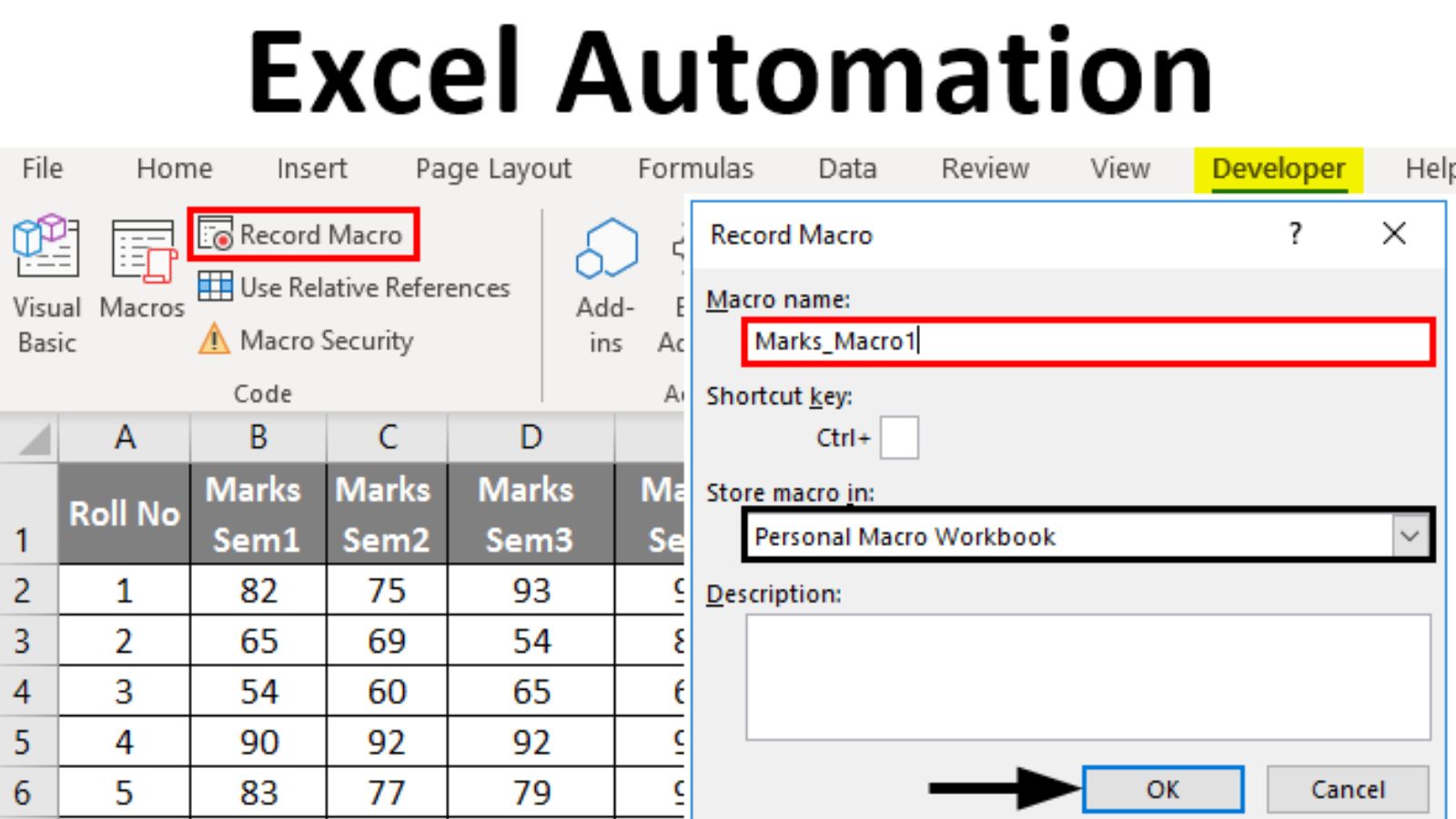
Macros can be useful when the workflow is still fundamentally spreadsheet-based but contains repetitive operations that are difficult to perform manually.
For example, a macro might standardize formatting, move information between predefined worksheets, generate recurring reports, or automate a sequence of spreadsheet operations.
This approach can make sense when users already work primarily in a spreadsheet environment and the automation requirements are relatively contained.
Macros should nevertheless be reviewed carefully from a security and maintenance perspective. Users need to understand what automated code does, where it comes from, and whether it can be trusted before enabling it.
A macro is most useful when it solves a specific repetitive problem rather than becoming a collection of undocumented automation steps.
A workbook may be approaching its practical limits when formulas become extremely difficult to understand or maintain.
Warning signs include:
· Long nested formulas that few users can explain
· Large numbers of helper worksheets
· Repeated calculations across thousands of cells
· Extensive cross-sheet references
· Frequent circular-reference problems
· Difficult-to-trace external links
· Multiple versions of nearly identical workbooks
· None of these conditions automatically means the spreadsheet must be replaced. Together, however, they may indicate that the underlying logic would be easier to maintain in another system.
If users are afraid to modify a workbook because a small change might break an unrelated report, that is an especially useful signal to reassess the architecture.
A spreadsheet designed for one analyst can behave very differently when dozens or hundreds of people depend on it.
As the number of users grows, questions about permissions, simultaneous editing, data consistency, version control, and accountability become more important.
A dedicated application or centralized data system may be more appropriate when many people need to enter or update shared information.
This is particularly relevant when users are modifying the same underlying records rather than simply viewing an analytical report.
A dedicated analytical application becomes more attractive when the process needs a defined user experience rather than an open-ended spreadsheet.
For example, an organization might need users to:
1. Enter standardized information.
2. Validate the input automatically.
3.Submit it for review.
4.Apply predefined calculations.
5.Store the approved record centrally.
6.Generate a report.
A spreadsheet can sometimes support this workflow, but an application may provide stronger control over inputs, permissions, validation, and process states.
The transition is especially worthwhile when the spreadsheet is effectively being used as a makeshift database or business application.
Large data volumes are another reason to reconsider spreadsheet architecture, but size alone is not the only factor.
A relatively large dataset may still be manageable when analysis is simple and the spreadsheet application handles it efficiently. Conversely, a smaller dataset can become problematic when calculations are extremely complex or require frequent recalculation.
Consider where the data should live. A database or data-processing system may be better suited to storing large transactional datasets, while the spreadsheet can remain the user-facing analytical layer.
This hybrid approach avoids treating the decision as an all-or-nothing choice.
The consequences of an error should influence the architecture.
If a spreadsheet controls an important financial report, operational process, or recurring management decision, increasing automation and validation may be justified even if the workbook is not especially large.
A more formal system can provide structured testing, controlled deployments, logging, access management, and repeatable processing. These capabilities can make important analytical workflows easier to govern.
At the same time, moving to software does not automatically make a model accurate. Poor business logic implemented in code remains poor business logic. The requirements and calculations still need to be reviewed and tested.
In many cases, the best solution is not replacing the spreadsheet completely.
A practical architecture might use:
Database or API → Script → Clean analytical dataset → Spreadsheet model → Dashboard
The script handles repetitive data preparation. A centralized source stores the underlying records. The spreadsheet remains available for analysis, scenario testing, and familiar reporting.
This arrangement preserves some of the flexibility users value while moving repetitive or infrastructure-heavy tasks into systems better suited to them.
There is no universal point at which every spreadsheet should become software.
Instead, define practical triggers. Consider migration when the workbook requires extensive manual repetition, supports many simultaneous users, processes increasingly complex data, becomes difficult to test, or creates unacceptable operational risk.
Before rebuilding it, document what the existing spreadsheet actually does. Identify inputs, calculations, outputs, assumptions, exceptions, and user workflows. This prevents an important business rule from disappearing during the transition.
The progression does not have to be:
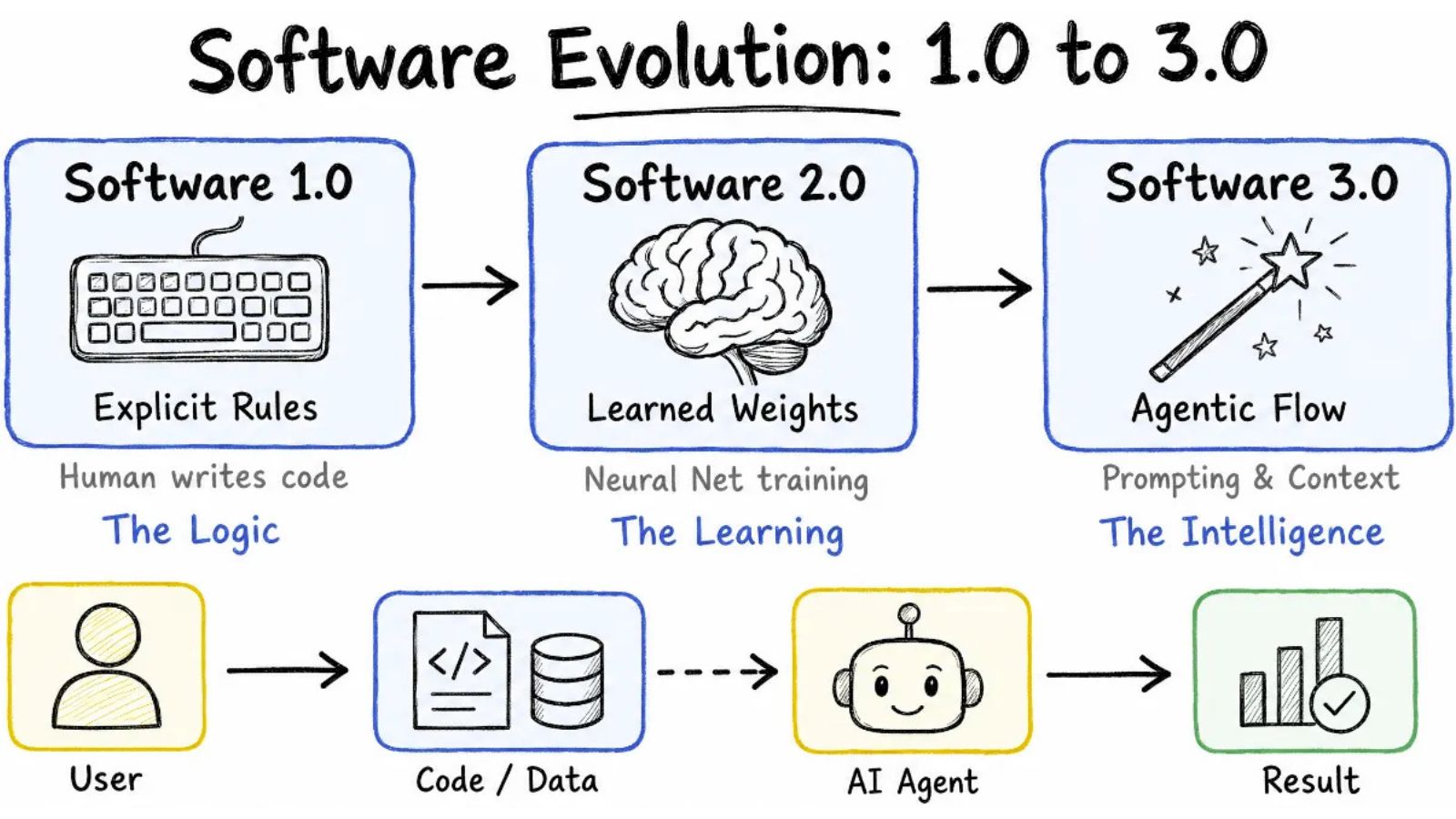
Spreadsheet → Macro → Script → Full Application
A workflow might move directly from a spreadsheet to a script, remain spreadsheet-based with a small macro, or combine several technologies.
The right choice depends on the actual problem.
Spreadsheets remain valuable when users need flexibility and direct interaction with calculations. Macros can automate repetitive spreadsheet operations. Scripts can handle structured data processing and repeatable workflows. Dedicated applications become more appropriate when an organization needs centralized data, controlled workflows, many users, or stronger operational controls.
The best architecture is therefore not the most sophisticated one. It is the simplest system that reliably performs the job, remains understandable to its users, and can accommodate the organization's future needs without turning every change into a spreadsheet repair project.